How to search Zillow by what the filters can’t see with Jev
Zillow lets you filter by price and bedrooms. It can’t filter for “a Victorian with updated interiors, close to a freeway”. An a16z partner built a search that can: Jev read every listing and checked it against the whole wish list. Here’s how she built it and a prompt to build the same search for your city.
- listings checked
- 699
- for Jev to judge them
- 17.6s
- total cost
- 18¢
From @venturetwins’s public demo
The code: not published
There’s no repo and no app to try. Justine Moore (a partner at a16z) built it for herself. Her replies give the whole recipe, though, and it’s three off-the-shelf pieces:
- Codex wrote the web app.
- Apify pulled the Zillow listings.
- Jev judged every listing and decided whether it met all the criteria.
The prompt below rebuilds that stack.
What the demo did
She typed one request: “2+ bedroom Victorian with updated interiors in SF with a fenced yard, close to freeways.” Four homes came back with green check tags, and clicking through lands on the real Zillow listing.
The bottom of the screen gives the honest breakdown: 699 listings checked, fetched in 236.7 seconds, matched in 17.64 seconds. The cost was 18 cents to classify every listing across five categories and check which homes met all of them.
The slow part is the scraping
Getting the listings took about four minutes. Jev’s part took under 18 seconds. In her words, the scraper was “by far the slowest part”.
The same pattern with Jev
One call per listing:
- The state is one listing as text: the description, price, beds and address.
- The questions are your wish list split into separate yes/no statements, asked together: “this is a Victorian”, “the interior has been updated”, “it has a fenced yard”, “it’s close to a freeway”.
Splitting the list is the whole trick. One question with four things in it gets you a mushy answer. Four questions tell you exactly which feature a near-miss is missing. It’s the same shape as the prospecting guide, with a listing in place of a post.
New to Jev? Start with the setup guide: key, first call, working response. Then come back.
Let an agent build it
Paste this at Claude Code or Codex. It separates the hard filters from the wish list and reports the scrape time and the Jev time separately, so you can see where the time goes. The 0.60 bar is a starting point I haven’t run yet.
Build me a home search that filters on things Zillow can't, using Jev through the Vercel AI Gateway.

1. Ask me for the city or neighbourhood, my hard filters (price, bedrooms), and what I actually want in plain words, for example: "a Victorian with updated interiors and a fenced yard, close to a freeway".
2. Pull the listings with a Zillow scraper (Apify has one; ask me for my Apify token and warn me about its cost first). Apply the hard filters there, not with the model. Keep each listing's description, price, beds, address and photo captions if there are any.
3. Split what I want into separate yes/no statements, one per feature: "This home is a Victorian." "The interior has been updated or renovated." "The property has a fenced yard." "The home is close to a freeway."
4. For every listing make ONE call: experimental_evaluate from the ai package, model typesafe-ai/jev, the listing text as the state, and all of those statements as boolean questions together.
5. A home matches only if every statement is at least 0.60. Show matches first, then "almost" homes that missed on exactly one feature, with which one.
6. Run 3 calls at a time; bursts get rate-limited. Time the scraping and the Jev part separately and report both, plus the total cost.

Give me a table with links. Never contact an agent or book a viewing yourself.
The honest part
I haven’t run this one. The numbers are from @venturetwins’ post and replies, September 19, 2026. There’s no code here because I only publish code I’ve run.
This prompt sends Jev the listing text only, not the photos, so a listing that doesn’t say “renovated” won’t score as renovated. And scraping has its own rules and costs: check the scraper’s pricing and the site’s terms before you run it at scale.
Don’t have Jev running yet?
The setup guide is one key and a few lines of code, and you’ll have a working response in a few minutes.
Get started with Jev →More field guides
All guides → Jev · GuideHow to set up Jev and make your first API call →Step by step, about 5 minutes
 Jev · GuideHow to automate SEO internal linking with Jev →The script, the prompt and the threshold rule
 Jev · GuideHow to find sales prospects ready to buy with Jev →Two scripts and the three filtering questions
 Jev · GuideHow to automate bookkeeping with Jev →Categorize every transaction, flag what needs a human
 Jev · GuideHow to filter Amazon products fast with Jev →The agent browser, the rules as questions, the race
 Jev · GuideHow to check legal citations and research state law with Jev →LegalJev (free) and Monid, side by side
 Jev · GuideHow to build a Clay-style lead list with Jev →Treg on GitHub: judge first, pay second
 Jev · GuideHow to find buyers on LinkedIn with Jev →290 posts scored in 3.8s, 23 buyers
 Jev · GuideHow to sort your inbox with Jev →500 emails in 7 seconds for a cent
 Jev · GuideHow to find viral TikToks with Jev →780 videos, 137 outliers, sorted by niche
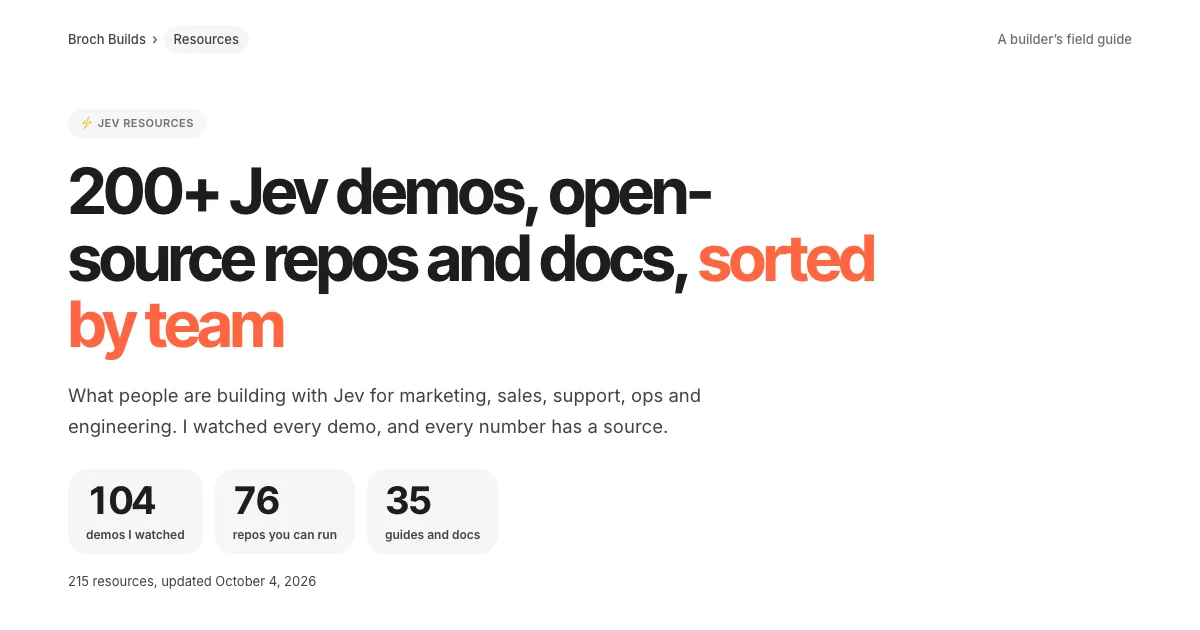 Jev · Directory200+ Jev demos, repos and docs by team →Everything worth watching or running
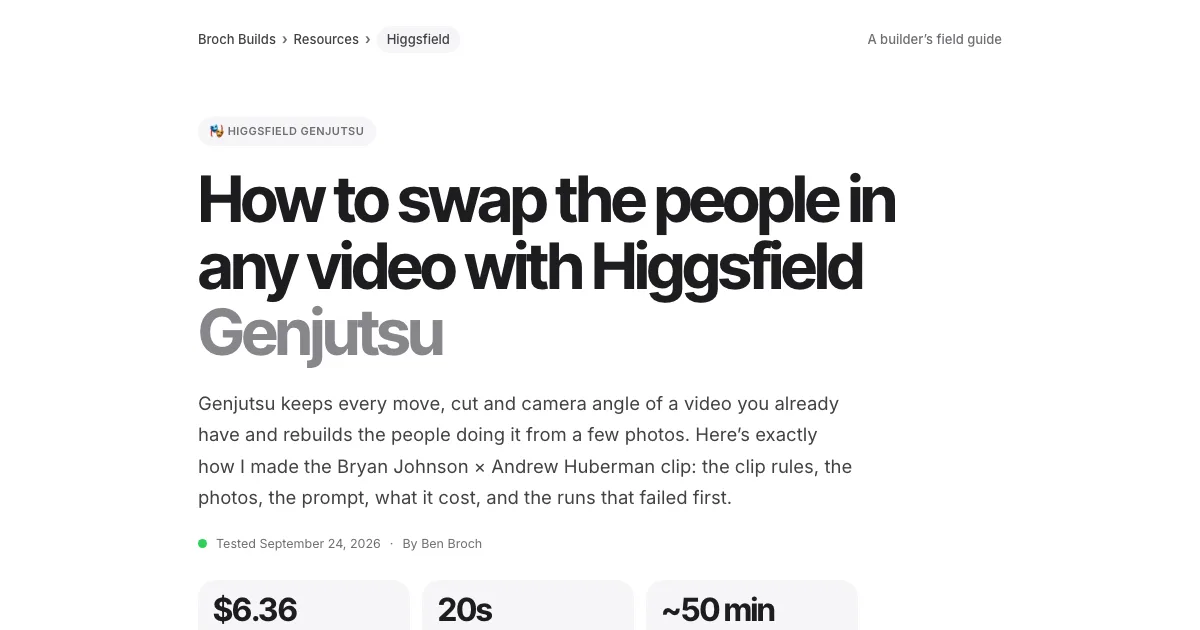 Higgsfield · GuideHow to swap the people in any video with Higgsfield Genjutsu →The clip, the photos, the prompt and the cost
 ChatGPT · GuideHow to build and submit your own ChatGPT plugin extension →The server, the ZIP and the review checklist
 Claude Code · GuideHow to make motion graphics with Claude Code →Six looping effects, one prompt each
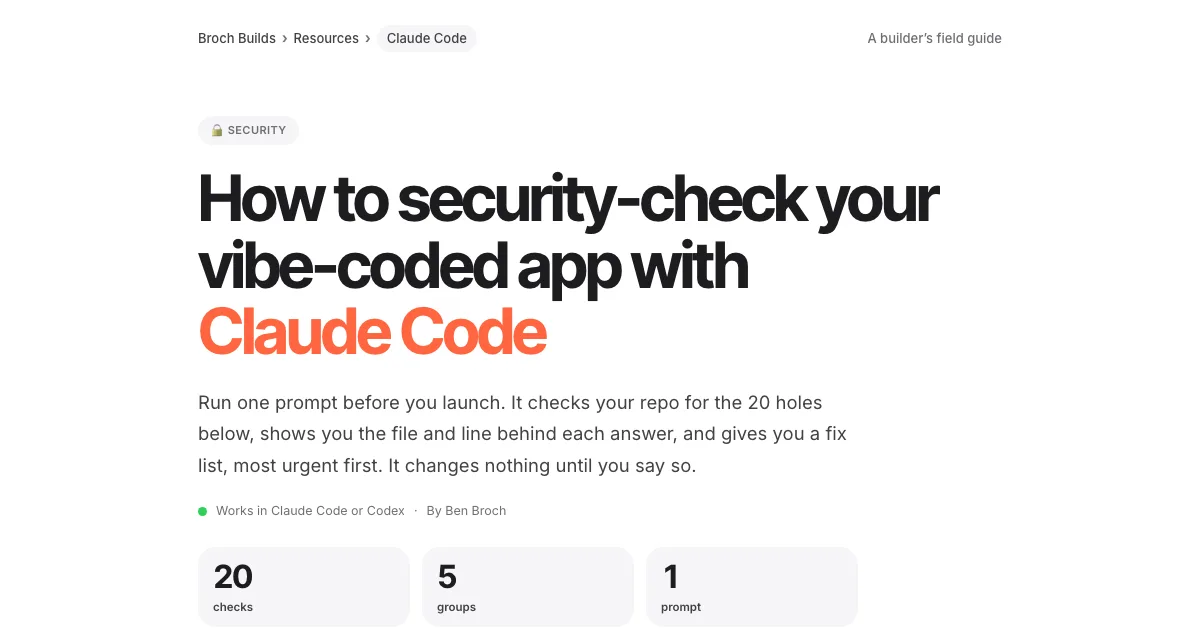 Claude Code · GuideHow to security-check your vibe-coded app with Claude Code →One prompt, 20 checks, a fix list
 Claude Code · GuideThe UX checklist: make your app easier to use →The UX laws, a checklist per screen and one audit prompt